Network Mix Back for Wireless In-Ear Monitors
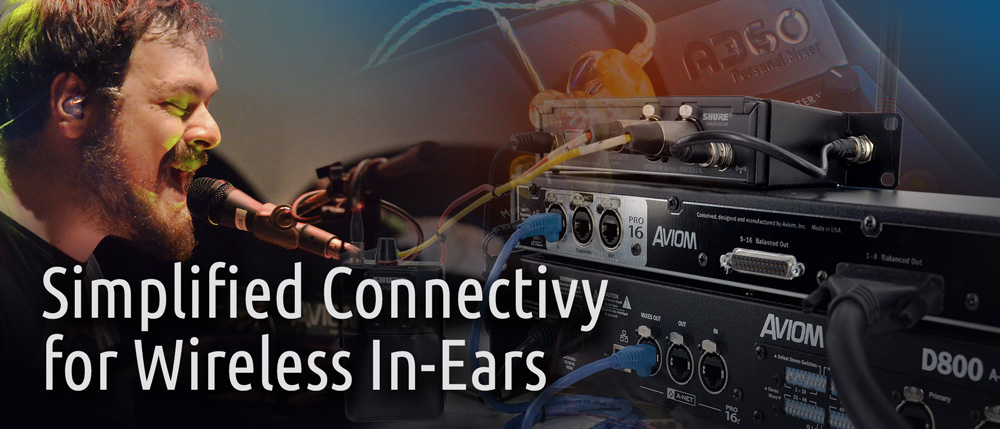
For the ultimate freedom on stage, many musicians prefer wireless in-ear monitors. Aviom's exclusive Network Mix Back™ feature extends that freedom to personal mixing, with a single-cable solution for the A640 and legacy A360 Personal Mixers—with audio and DC power in and stereo mix audio back out—all on a single Cat-5e cable.
 🔍 Click to enlarge
Freedom from Cable Clutter
With Network Mix Back, you can streamline connections to performers' wireless in-ear monitors, reduce the amount of analog cable in your rig, improve freedom of movement, and clean up the stage—without sacrificing audio quality or system performance.
Network Mix Back is a feature that is available whenever an A640 or A360 Personal Mixer is connected to a D800 or D800-Dante A-Net Distributor.
One Cable for Everything
Network Mix Back uses the Cat-5e cable you already have for your personal mixer. Because the A640/A360 Personal Mixers and the D800/D800-Dante Distributors communicate bidirectionally, the D800 provides multi-channel audio and DC power to the mixer while receiving the stereo mix back from each unit.
One cable does it all. Each D800 supports up to eight A640 and/or A360 Personal Mixers in any combination—providing eight stereo mixes in all.
Simple Connections to Transmitters
Whether your wireless in-ear transmitter has analog inputs or a Dante network interface, Network Mix Back makes connections fast and reliable.
The D800 or D800-Dante assembles the stereo mixes into a single 16-channel digital audio stream, which can be routed into a Dante network or sent via A-Net to an AN-16/o v.4 Output Module for conversion back to discrete analog audio signals. One D800 and one AN-16/o v.4 provide wireless connectivity for eight users.
Connecting to Analog In-Ear Transmitters
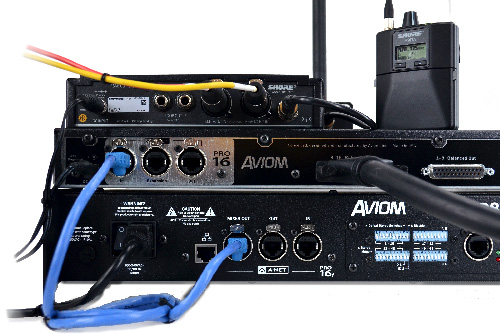
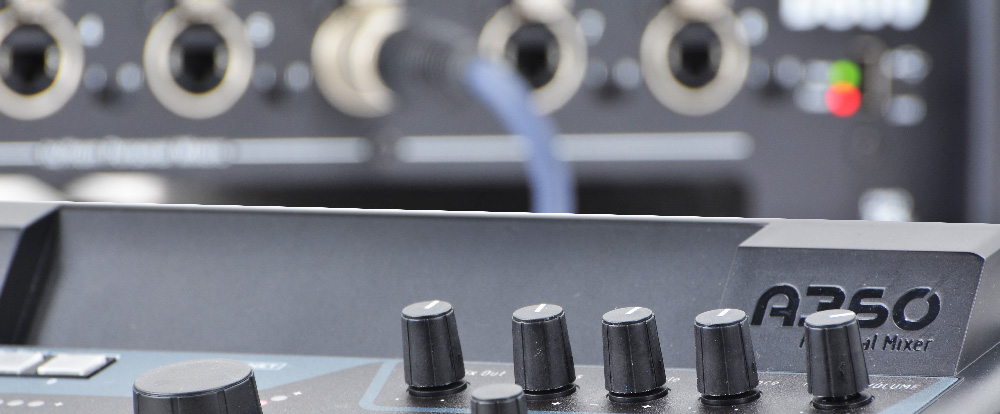
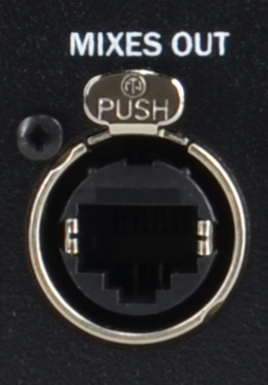
Both the D800 and D800-Dante include a rear panel MIXES OUT port. All eight stereo mixes from connected A640 and A360 mixers are output here as a 16-channel A-Net stream.
To get mixes into individual transmitter units, connect a Cat-5e cable from the Mixes Out port to the A-Net In port on an AN-16/o v.4 Output Module. Connect analog cables from the AN-16/o v.4 to the left/right inputs on up to eight wireless transmitters.
No routing or assigning is required. D800 Port #1 supplies channels 1–2, D800 Port #2 supplies channels 3–4, and so on.
 🔍 Click to enlarge
Network Mix Back to Dante
On the D800-Dante, the stereo mix outputs from each connected A640 or A360 are also available directly to the Dante network.
Using Dante Controller software, Network Mix Back channels from the D800-Dante can be routed into the Dante network for distribution to Dante-enabled transmitter units, consoles, or stage boxes.
This direct digital patching does not require the AN-16/o v.4 Output Module. You can use existing outputs on Dante stage boxes, mixing consoles, or any Dante device that can receive the stereo mix.
 🔍 Click to enlarge
Network Mix Back & Wireless IEM Systems in Action