
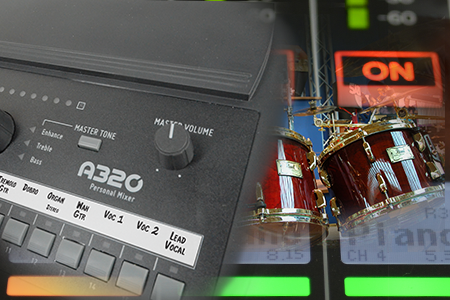
Eliminating Vocal Mic Bleed and Elevating Session Performance Through Precision Cue Mix Control
In-ear monitors and closed-back headphones isolate session musicians acoustically, but they completely eliminate the physical, chest-thumping low-frequency vibration that drummers
Empowering Musicians With Intuitive Monitor Control Mid-Performance
Staring at touchscreens mid-performance is terrifying. For worship volunteer musicians leading Sunday services, finding the proper vocal blend shouldn’t require
Interfacing Low-End Tactile Energy with Digital Mixer Systems for Studio Tracking
In-ear monitors isolate the ear canal, which completely strips away the visceral chest-thumping bass vibration that rhythm sections rely on
A320 Modes: 16- or 32-Channel
The A320 Personal Mixer has 16 mix channel buttons. Many people assume that this makes the A320 a 16-channel mixer.
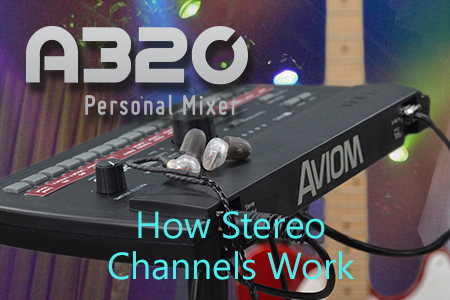
How A320 Stereo Channels Work
Stereo channels are treated differently on the A320, based on which mode your Personal Mixer is in. The A320 is
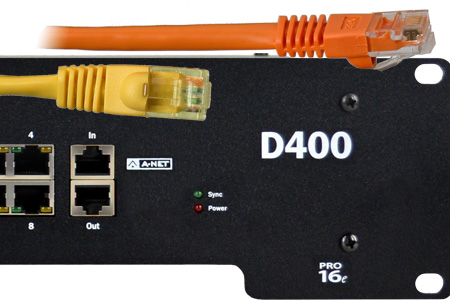
Expanding a Personal Mixing System Beyond 8 Users
When your performing ensemble grows beyond eight performers, it’s time for your personal mixing system to expand as well. Using
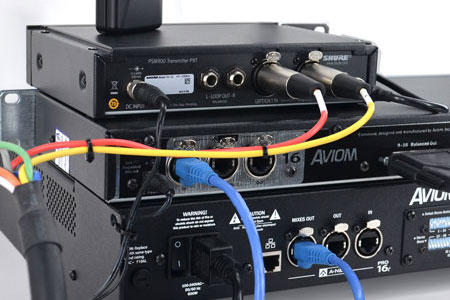
Setting Up Network Mix Back
Network Mix Back makes it easy to use a wireless in-ear transmitter with an A640 or A360 Personal Mixer. Each
Mapping Stereo Links
The A640, A360, and A320 Personal Mixers support 16 stereo mix buttons (that’s 32 channels in all). When connecting and
Beyond 16 Inputs, Part 1
Increasing the total input sources in your personal mixing system beyond the basic 16 channels allows you to get the
Beyond 16 Inputs, Part 2
In Part 1 of this post we covered the expansion of a personal mixing system beyond the basic 16 inputs using multiple
Beyond 16 Channels, Part 3
In this installment of our series on expanding a personal mixing system we will cover a hybrid system—one that uses
Beyond 16 Channels, Part 4
Expanding a personal mixing system is often coupled with other changes to a sound system. If you have an existing
Wireless In-Ears: Use The Right Cables
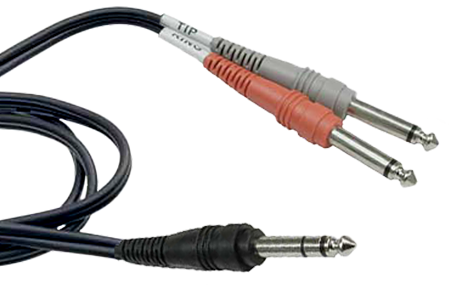
Personal Mixers are great tools for fixing the age-old problems caused by having monitor speakers on a stage. We frequently
Power Supplies
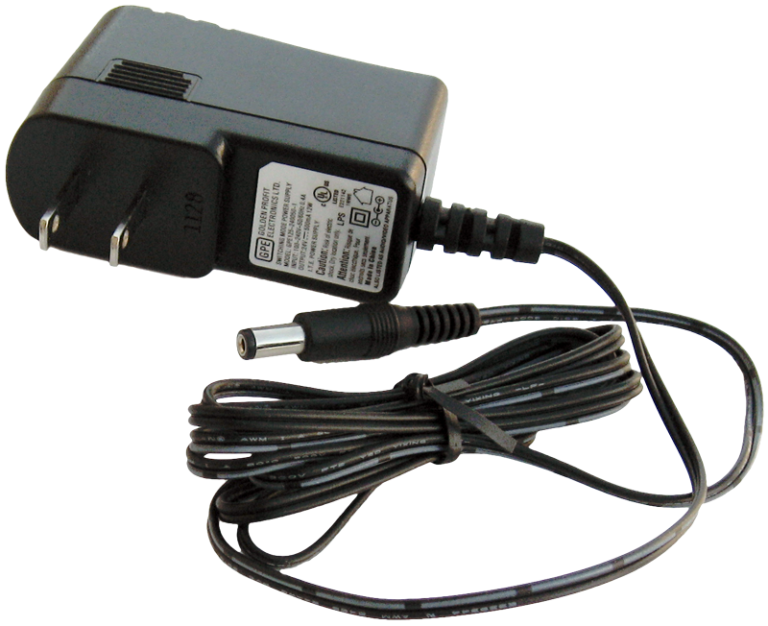
It’s always important to use the proper power supply with any electronic product. All Aviom products that use an external
Dante Firmware Updates
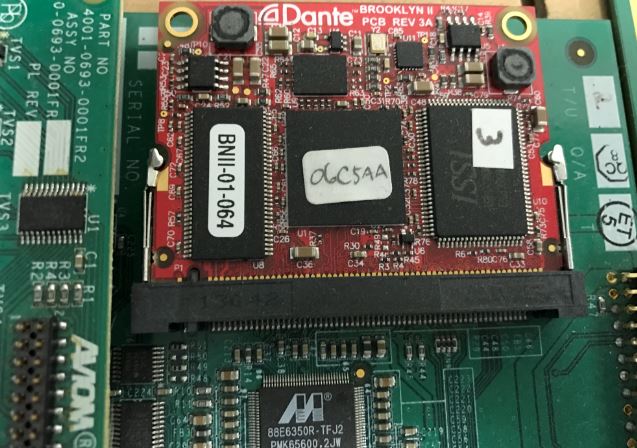
Aviom products that incorporate the Dante protocol are manufactured using a Dante circuit board from Audinate, the creators of the
Dante Troubleshooting
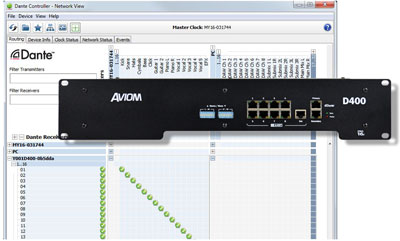
Working with Dante-enabled devices in an audio network requires that the operators maintain the software, hardware, and firmware for all
D800-Dante Firmware
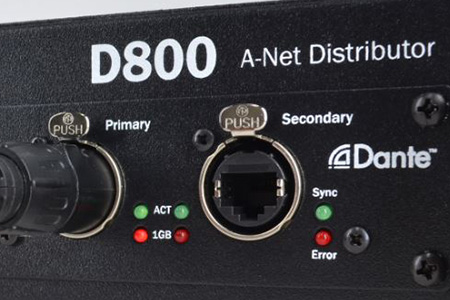
The D800-Dante A-Net Distributor has two types of firmware installed in it: Aviom firmware and Audinate Dante firmware. Aviom Firmware The Aviom firmware updates
D400-Dante Patching
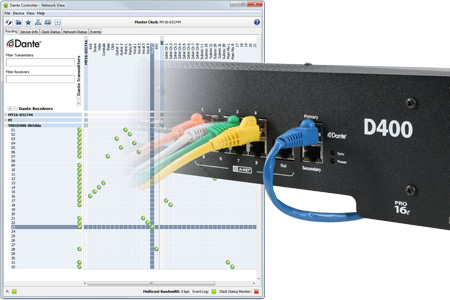
If you have a Dante-enabled mixing console, the D400-Dante A-Net Distributor makes it easy to add a personal mixing system. Here’s a
D800 Switches
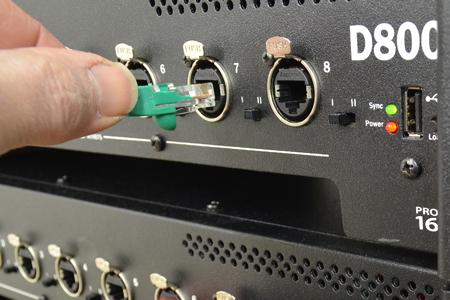
Each of the eight A-Net ports on the front of the first version of the D800 or D800-Dante A-Net Distributor
Dante Workflow
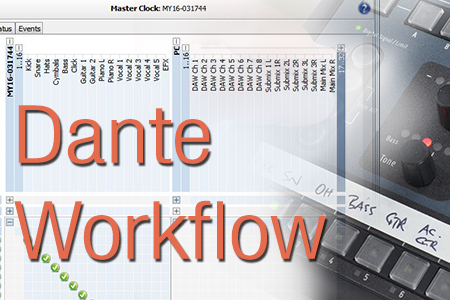
An Aviom personal mixing system is powerful and flexible when configured with a Dante network as its input source. But
Product Compatibility
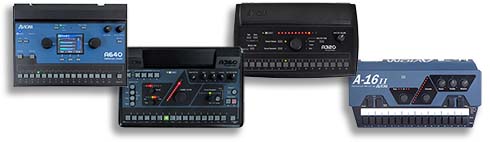
Aviom creates the most flexible personal mixing systems available. We’ve been the market leader in personal mixing for stage and
Audio Adapters
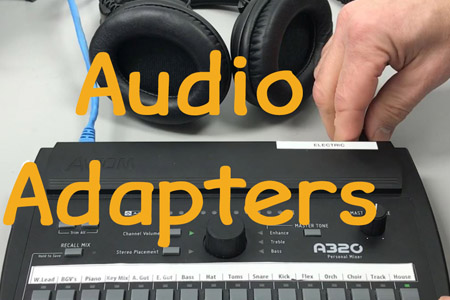
If you use earbuds with your Personal Mixer, it’s not uncommon to need an adapter to connect the earbud’s 1/8-inch
Trim All
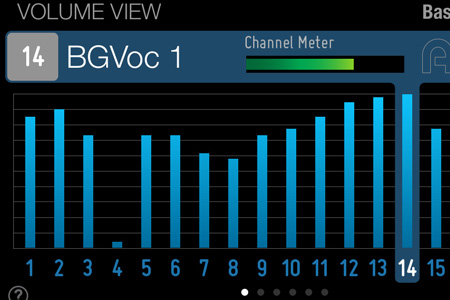
Did you ever wish that you could turn down all the channels of your mix so that you could raise
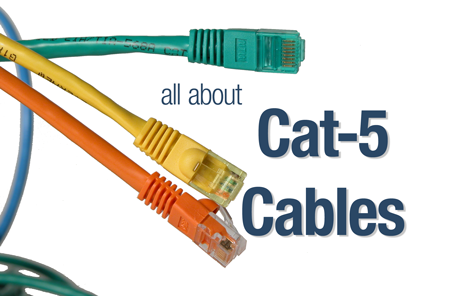
Cat-5 Cables: Which Should I Use?
When it comes to the Cat-5e and Cat-6 cables used with your audio networking gear, the differences in cable specifications

Cat-5 Cable Pinout
Sometimes you need to build your own Cat-5 cables for an installation. It’s not hard to do. We have a video
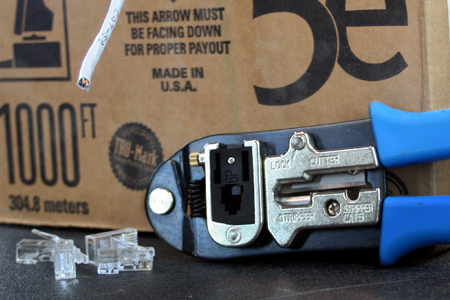
How to Make Cat-5 Cables
One of the great things about Cat-5 cables is that it’s easy to make your own custom-length cables, repair cables

What’s So Different With In-Ears?
We’ve talked before about some guidelines for making a successful transition from wedges to in-ears (see it here), but let’s dive
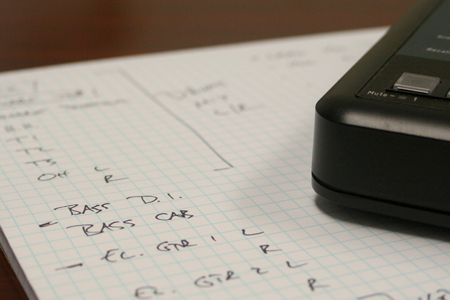
Choosing Channels for Your Personal Mixing System
Channel selection is one of the most important—and most overlooked—factors in implementing a really successful personal mixing system. Let’s start
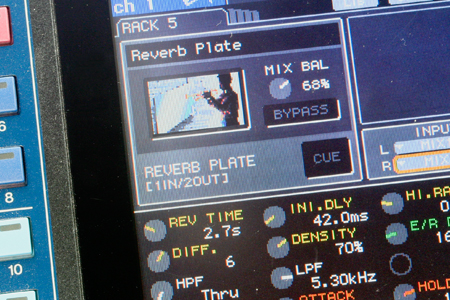
Reverb in a monitor mix?
If you want to get an argument started about monitors and monitor mixing, a good topic to go with is
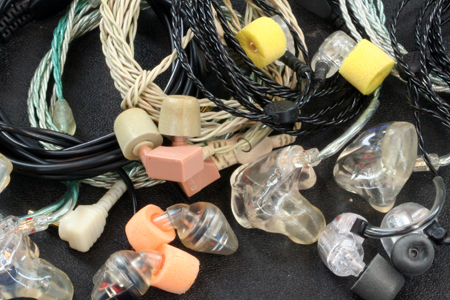
Choosing In-Ear Monitors
We are often asked what in-ear monitors we would recommend for use with Aviom Personal Mixers. While we can’t recommend
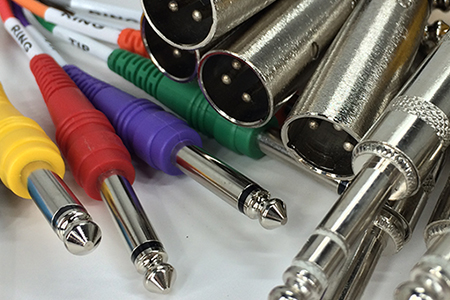
What’s the Difference Between Balanced and Unbalanced?
The cables used in an audio system—and how they’re put together—can have a major impact on the sound of the
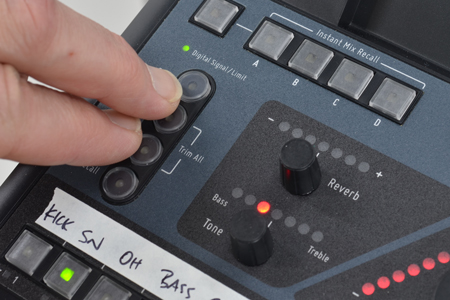
Global Trim and Mixing by Subtraction
Conventional wisdom is that a musician will almost NEVER ask for LESS of anything in their monitor mix; it’s always
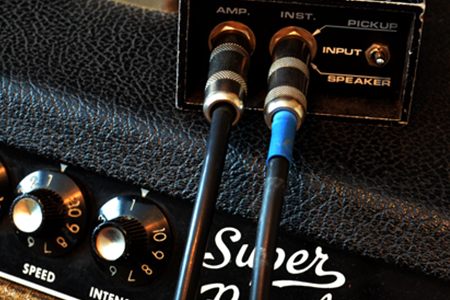
All About Direct Boxes
A direct box—also referred to as a “DI,” which is short for “direct input” or “direct inject”—is an indispensable audio
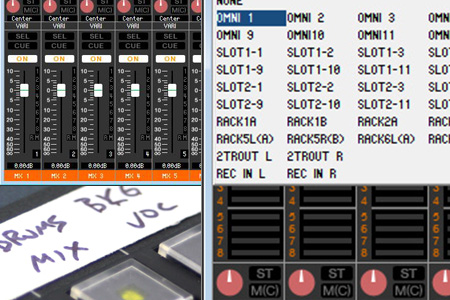
Digital Console Submix Patching
We frequently get asked by customers who use digital consoles if it’s possible to patch more than one source channel
Adding Ambience to Your In-Ear Mix: Part 1
One of the best things about in-ear monitors is that they eliminate most of the other sound sources competing with
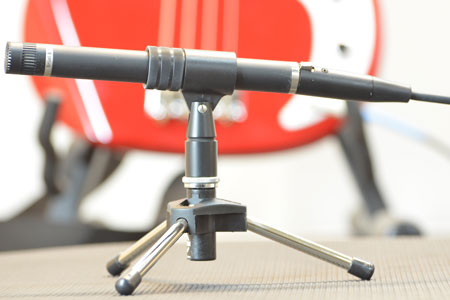
Adding Ambience to Your In-Ear Mix: Part 2
For an introduction to ambience, start with Adding Ambience to Your In-Ear Mix: Part 1. In this post, we’ll look at
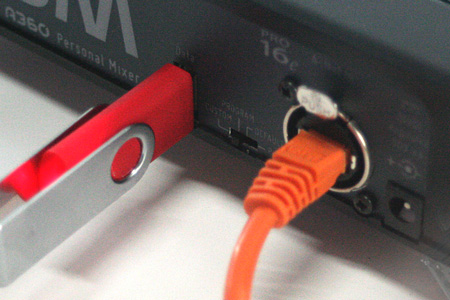
Using A360 Channel Manager
One of the coolest features of the A360 Personal Mixer has to be that each A360 can be individually programmed to have
Eliminating Vocal Mic Bleed and Elevating Session Performance Through Precision Cue Mix Control
In-ear monitors and closed-back headphones isolate session musicians acoustically, but they completely eliminate the physical, chest-thumping low-frequency vibration that drummers and bassists rely on to
Empowering Musicians With Intuitive Monitor Control Mid-Performance
Staring at touchscreens mid-performance is terrifying. For worship volunteer musicians leading Sunday services, finding the proper vocal blend shouldn’t require interrupting a live arrangement just
Interfacing Low-End Tactile Energy with Digital Mixer Systems for Studio Tracking
In-ear monitors isolate the ear canal, which completely strips away the visceral chest-thumping bass vibration that rhythm sections rely on for tight timing. That’s why
A320 Modes: 16- or 32-Channel
The A320 Personal Mixer has 16 mix channel buttons. Many people assume that this makes the A320 a 16-channel mixer. But it’s much more than
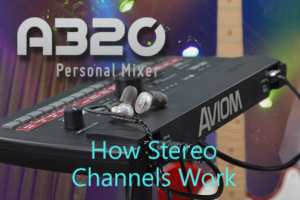
How A320 Stereo Channels Work
Stereo channels are treated differently on the A320, based on which mode your Personal Mixer is in. The A320 is set for its 16-channel mode
Expanding a Personal Mixing System Beyond 8 Users
When your performing ensemble grows beyond eight performers, it’s time for your personal mixing system to expand as well. Using A-Net makes that easy; there’s
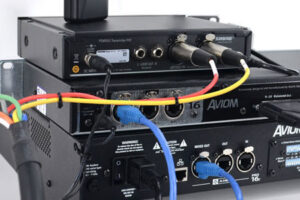
Setting Up Network Mix Back
Network Mix Back makes it easy to use a wireless in-ear transmitter with an A640 or A360 Personal Mixer. Each A640 or A360 Personal Mixer
Mapping Stereo Links
The A640, A360, and A320 Personal Mixers support 16 stereo mix buttons (that’s 32 channels in all). When connecting and configuring inputs, it’s important to
Beyond 16 Inputs, Part 1
Increasing the total input sources in your personal mixing system beyond the basic 16 channels allows you to get the most out of the A640,
Beyond 16 Inputs, Part 2
In Part 1 of this post we covered the expansion of a personal mixing system beyond the basic 16 inputs using multiple analog input modules for the
Beyond 16 Channels, Part 3
In this installment of our series on expanding a personal mixing system we will cover a hybrid system—one that uses an A-Net console card installed
Beyond 16 Channels, Part 4
Expanding a personal mixing system is often coupled with other changes to a sound system. If you have an existing Aviom system and are changing
Wireless In-Ears: Use The Right Cables
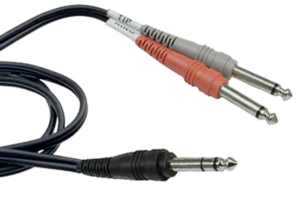
Personal Mixers are great tools for fixing the age-old problems caused by having monitor speakers on a stage. We frequently get questions about how to
Power Supplies
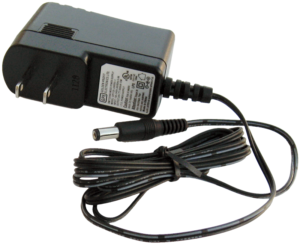
It’s always important to use the proper power supply with any electronic product. All Aviom products that use an external DC power supply use the
Dante Firmware Updates
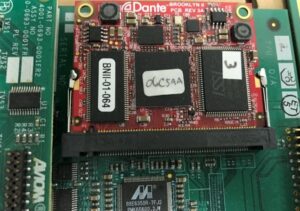
Aviom products that incorporate the Dante protocol are manufactured using a Dante circuit board from Audinate, the creators of the Dante protocol. A Dante firmware release
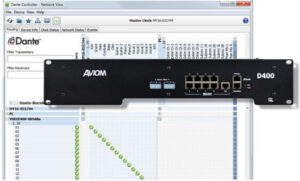
Dante Troubleshooting
Working with Dante-enabled devices in an audio network requires that the operators maintain the software, hardware, and firmware for all of the Dante-enabled devices that
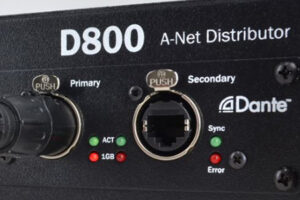
D800-Dante Firmware
The D800-Dante A-Net Distributor has two types of firmware installed in it: Aviom firmware and Audinate Dante firmware. Aviom Firmware The Aviom firmware updates product features and is installed
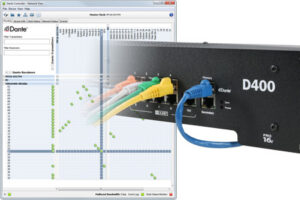
D400-Dante Patching
If you have a Dante-enabled mixing console, the D400-Dante A-Net Distributor makes it easy to add a personal mixing system. Here’s a look at the patching from
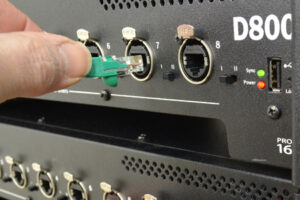
D800 Switches
Each of the eight A-Net ports on the front of the first version of the D800 or D800-Dante A-Net Distributor has a two-position mode switch
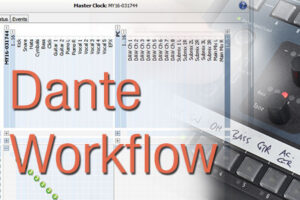
Dante Workflow
An Aviom personal mixing system is powerful and flexible when configured with a Dante network as its input source. But setting up a Dante network
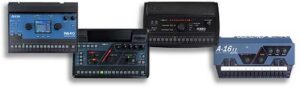
Product Compatibility
Aviom creates the most flexible personal mixing systems available. We’ve been the market leader in personal mixing for stage and studio since 2002. With hundreds of
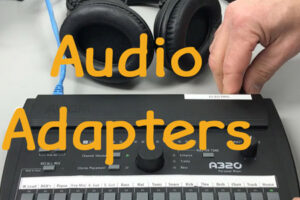
Audio Adapters
If you use earbuds with your Personal Mixer, it’s not uncommon to need an adapter to connect the earbud’s 1/8-inch TRS stereo plug to a
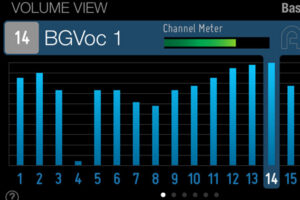
Trim All
Did you ever wish that you could turn down all the channels of your mix so that you could raise one channel just a little
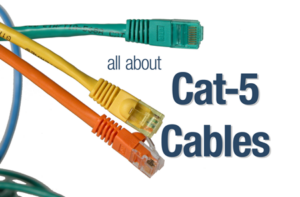
Cat-5 Cables: Which Should I Use?
When it comes to the Cat-5e and Cat-6 cables used with your audio networking gear, the differences in cable specifications are not easy to see from

Cat-5 Cable Pinout
Sometimes you need to build your own Cat-5 cables for an installation. It’s not hard to do. We have a video tutorial that shows you the tools
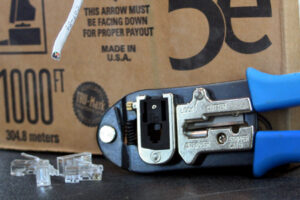
How to Make Cat-5 Cables
One of the great things about Cat-5 cables is that it’s easy to make your own custom-length cables, repair cables with broken connectors, and terminate

What’s So Different With In-Ears?
We’ve talked before about some guidelines for making a successful transition from wedges to in-ears (see it here), but let’s dive back in and start getting
Choosing Channels for Your Personal Mixing System
Channel selection is one of the most important—and most overlooked—factors in implementing a really successful personal mixing system. Let’s start with a fundamental premise: musicians
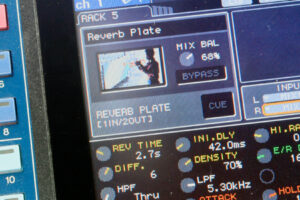
Reverb in a monitor mix?
If you want to get an argument started about monitors and monitor mixing, a good topic to go with is reverb. In the years we’ve
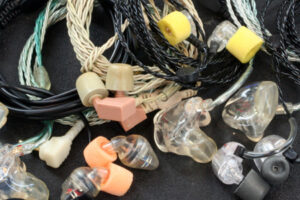
Choosing In-Ear Monitors
We are often asked what in-ear monitors we would recommend for use with Aviom Personal Mixers. While we can’t recommend one specific brand or another,
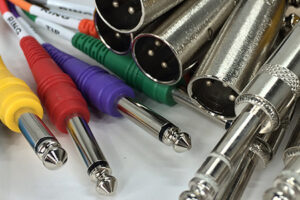
What’s the Difference Between Balanced and Unbalanced?
The cables used in an audio system—and how they’re put together—can have a major impact on the sound of the system. Every cable in an audio
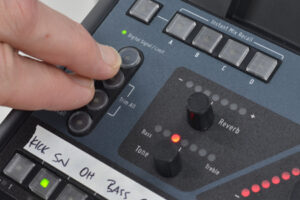
Global Trim and Mixing by Subtraction
Conventional wisdom is that a musician will almost NEVER ask for LESS of anything in their monitor mix; it’s always more guitar, more of my
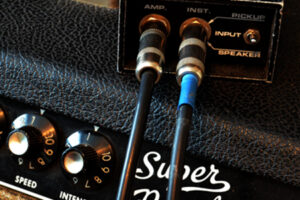
All About Direct Boxes
A direct box—also referred to as a “DI,” which is short for “direct input” or “direct inject”—is an indispensable audio tool equally at home in
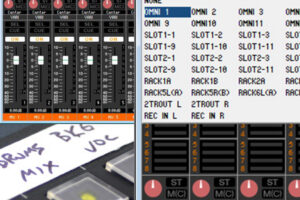
Digital Console Submix Patching
We frequently get asked by customers who use digital consoles if it’s possible to patch more than one source channel into a Personal Mixer channel.
Adding Ambience to Your In-Ear Mix: Part 1
One of the best things about in-ear monitors is that they eliminate most of the other sound sources competing with your personal monitor mix, allowing
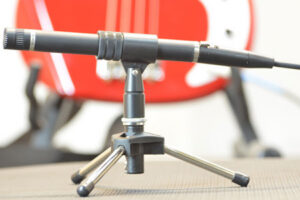
Adding Ambience to Your In-Ear Mix: Part 2
For an introduction to ambience, start with Adding Ambience to Your In-Ear Mix: Part 1. In this post, we’ll look at specific techniques for adding ambience
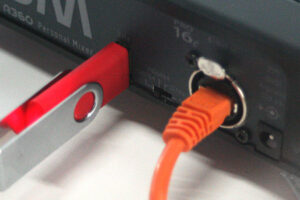
Using A360 Channel Manager
One of the coolest features of the A360 Personal Mixer has to be that each A360 can be individually programmed to have the exact channel layout that each performer