A640 Personal Mixer
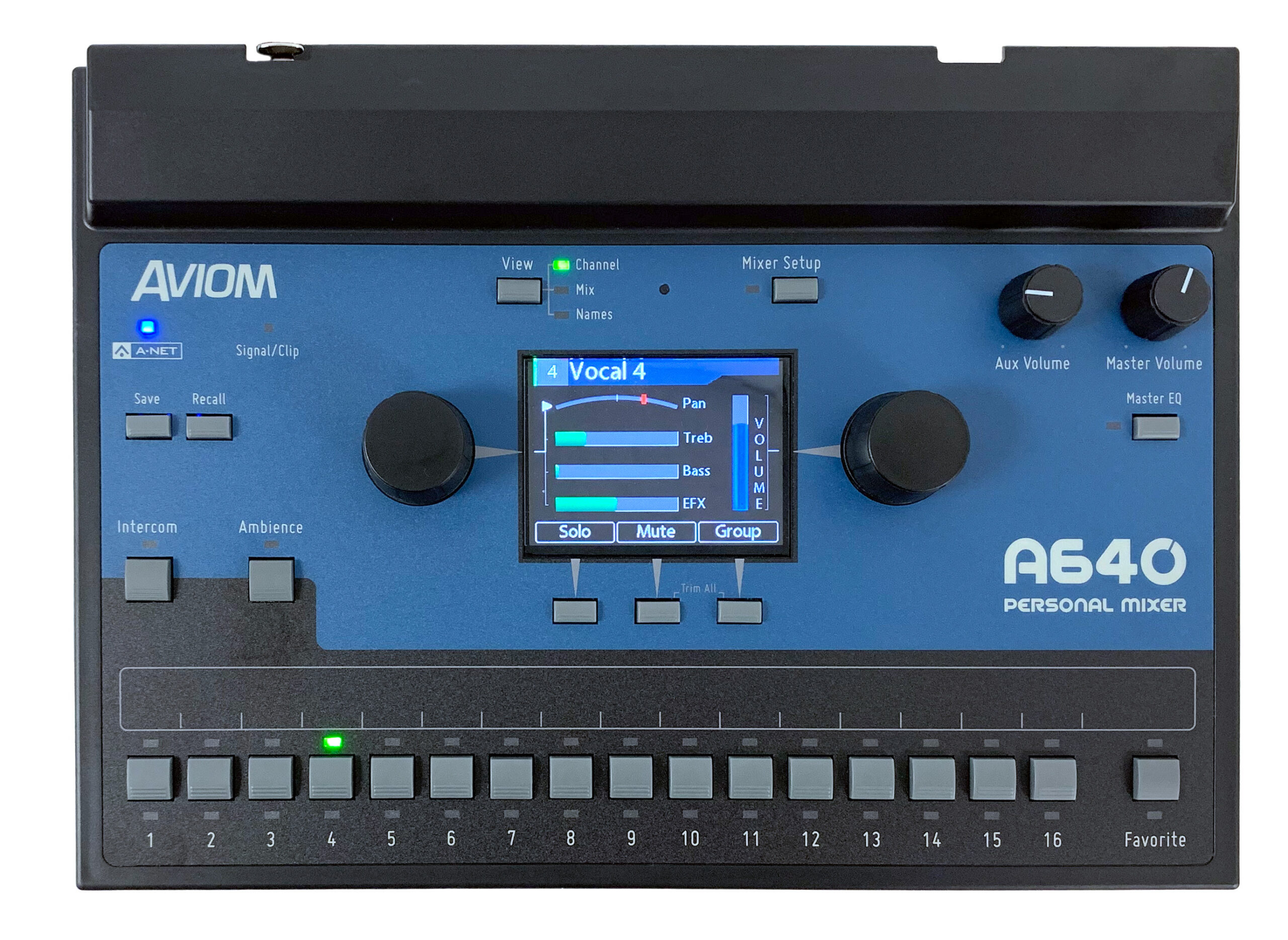
Aviom's Personal Mixers are the worldwide industry-standard for personal mixing on stage and in the studio. The A640, Aviom’s flagship personal mixer, brings an unparalleled level of control, performance, and fidelity to personal mixing that exemplifies Aviom’s core brand sensibilities.
With more mix channels, powerful features, and an intuitive, streamlined user-interface, the A640 helps musicians hear better than ever before. It's compatible with all existing Aviom systems using Dante networking, digital console cards, or analog inputs, and can be used simultaneously with the A320, and legacy A360 and A-16II Personal Mixers.
Get the latest firmware update for your A640 to take full advantage of all its powerful features.
Key Features
- Intuitive user interface featuring high-res color multi-mix-view display
- Customizable channel selection from up to 64 A-Net network channels
- 36-channel mix engine for up to 18 mono or stereo sources
- Per-channel volume, treble, bass, reverb, and pan plus Master Bass/Treble with Enhance
- One-Touch Ambience™ using network audio or the internal mic
- Master 6-band Parametric EQ
- Intercom for communicating with other A640 users
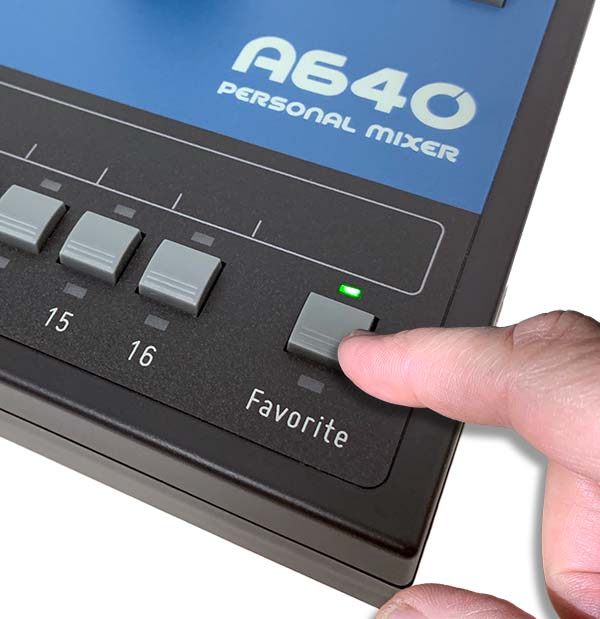
- Favorite Channel holds each musician's most important channel
- USB for easy archiving and loading custom mixer configurations
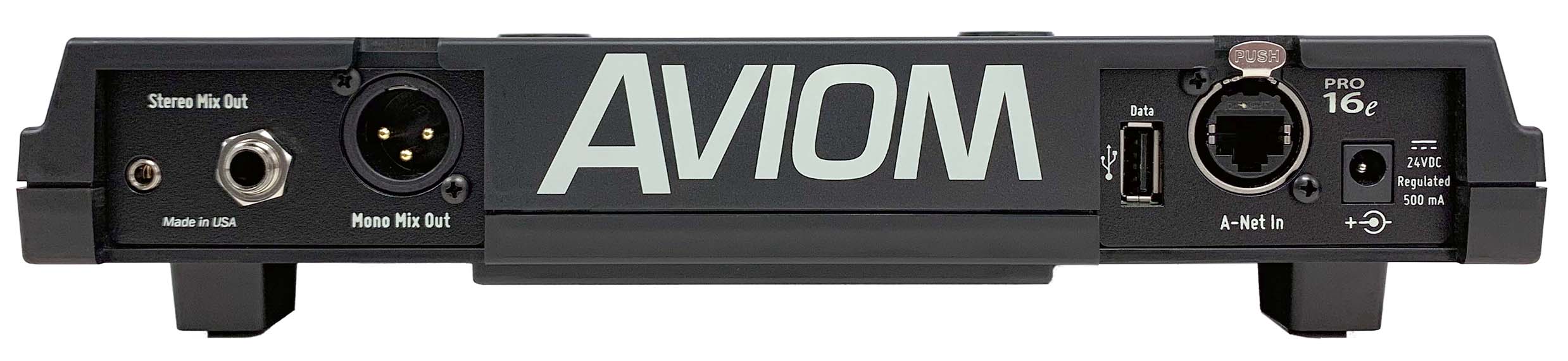
- 1/4" and 1/8" stereo mix out plus XLR mono Aux mix out
- Support for Network Mix Back™ (requires a D800)
- Audiogram EQ support for hearing loss compensation
Mixing power that's easy to use
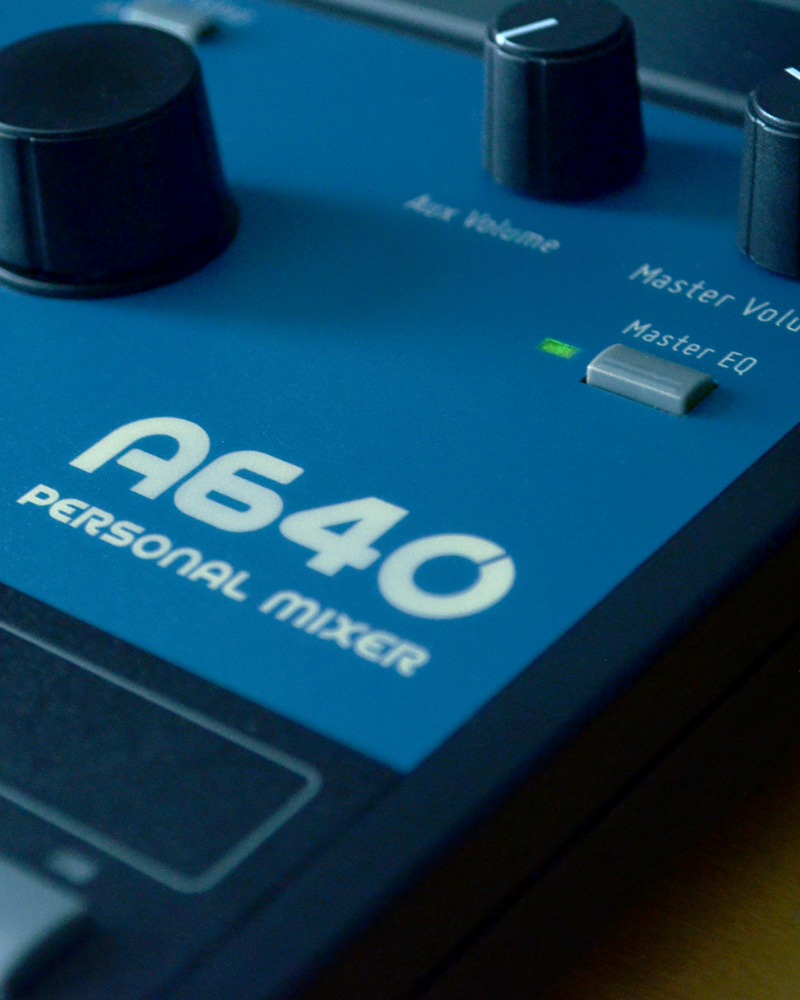
The A640 Personal Mixer combines a powerful mix engine with an intuitive user interface that doesn't get in your way while performing.
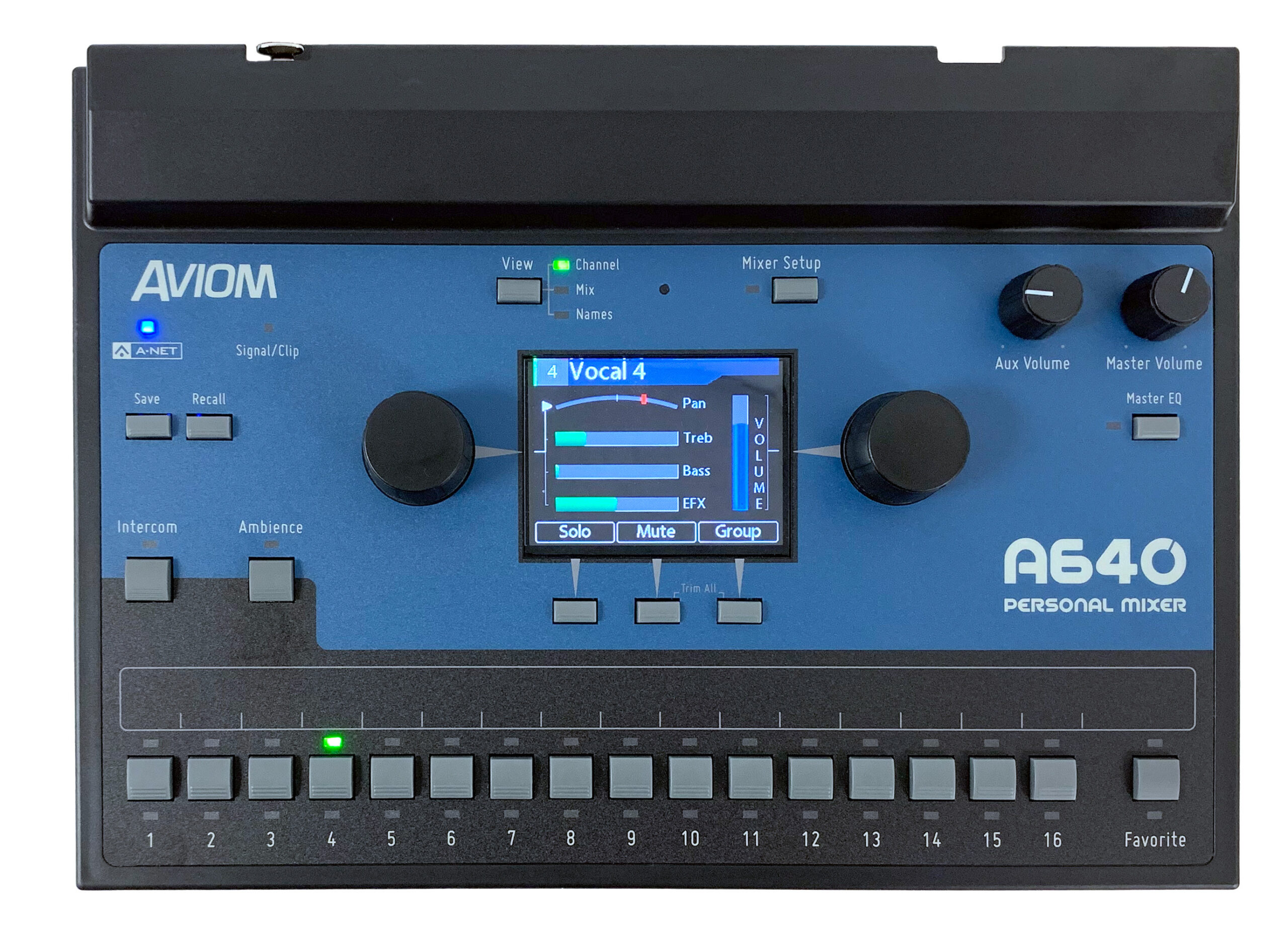
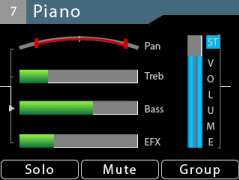
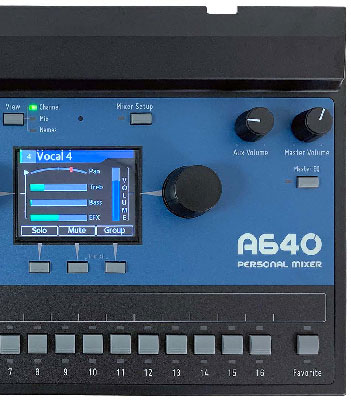
The A640's color hi-res display features three dedicated Mix Views—giving you full control over your mix details without sacrificing editing simplicity. Switch between them instantly at any time with the dedicated View button:
Individual channel settings (volume, pan, treble, bass, and effects).
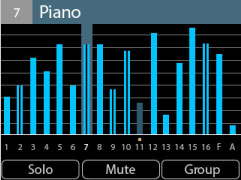
Full overview of volume levels for every channel in your mix.
Displays channels by custom or Dante-synced names with volume bars.
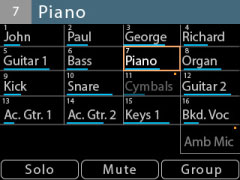
Editing is simple even while focused on performing. Custom names can be created manually or automatically synced from a Dante network using the D800-Dante A-Net Distributor.
Choose exactly the channels you need
Under the hood, the A640 has all the power you need, so you don't have to make compromises in your mix.
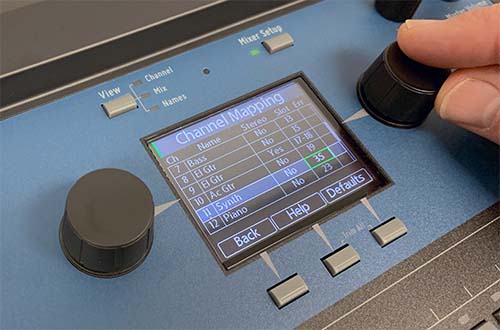
Every user can select exactly the sources they want in their mix—from up to 64 network input sources—so drummers can have lots of drum channels and vocalists can have lots of vocal channels.
The built-in Channel Mapping function makes the A640 Personal Mixer easy to set up and customize to suit your performance needs.
Stereo clarity in every channel
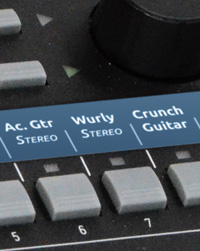
Each channel button on the A640 can hold a stereo source, so every input can be heard in full stereo fidelity without taking up additional space on the mixer. This ensures that every channel sounds its best, improving the fidelity of the overall monitor mix as well, and frees up space for more mix content—without adding more complexity for the musician.
Aviom’s unique stereo pan adds positional information to a stereo signal while preserving its stereo image; and on the A640, placing a stereo signal anywhere in your stereo field is accomplished effortlessly with a single control!
Get more out of your in-ears
The reality for many musicians is that the switch from a wedge to in-ears can be disappointing. The A640 Personal Mixer can change all that.
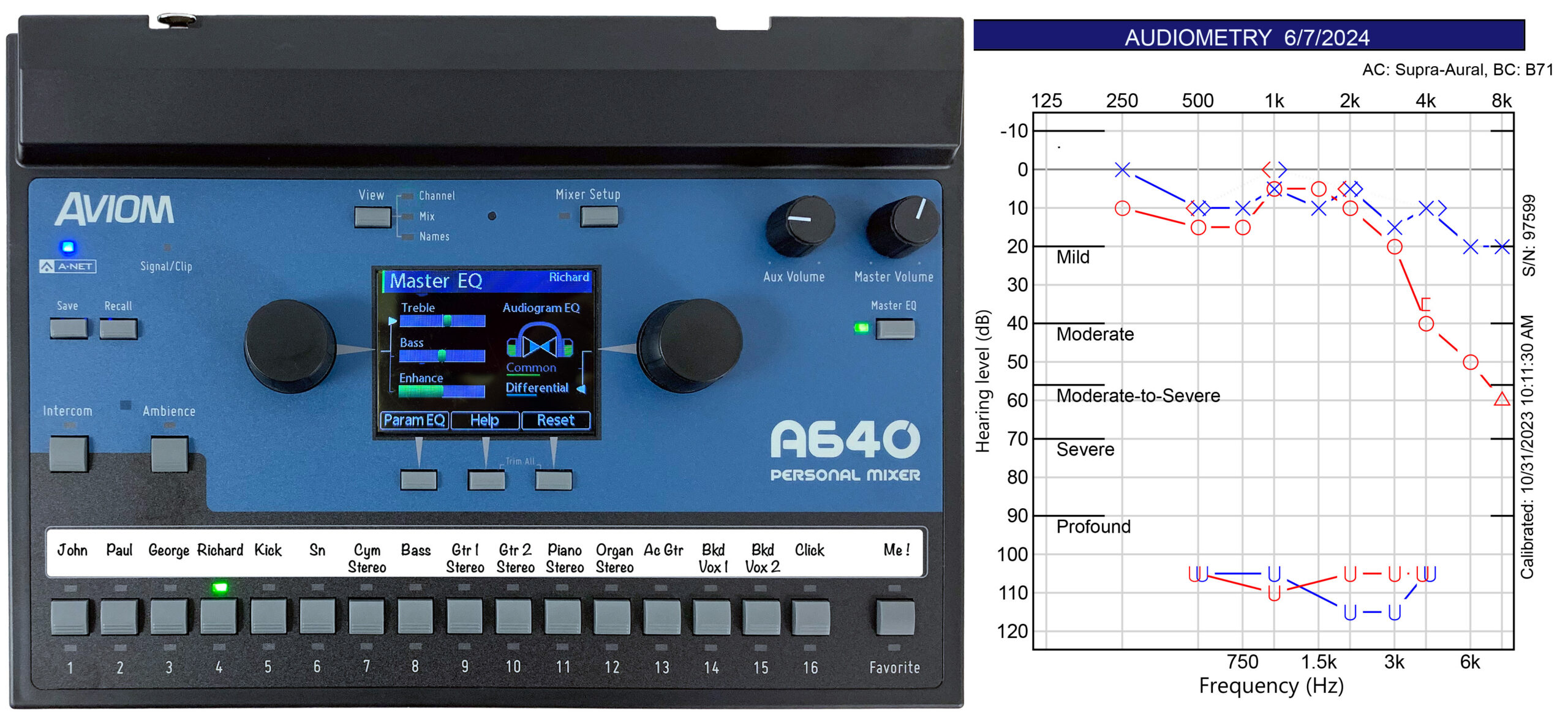
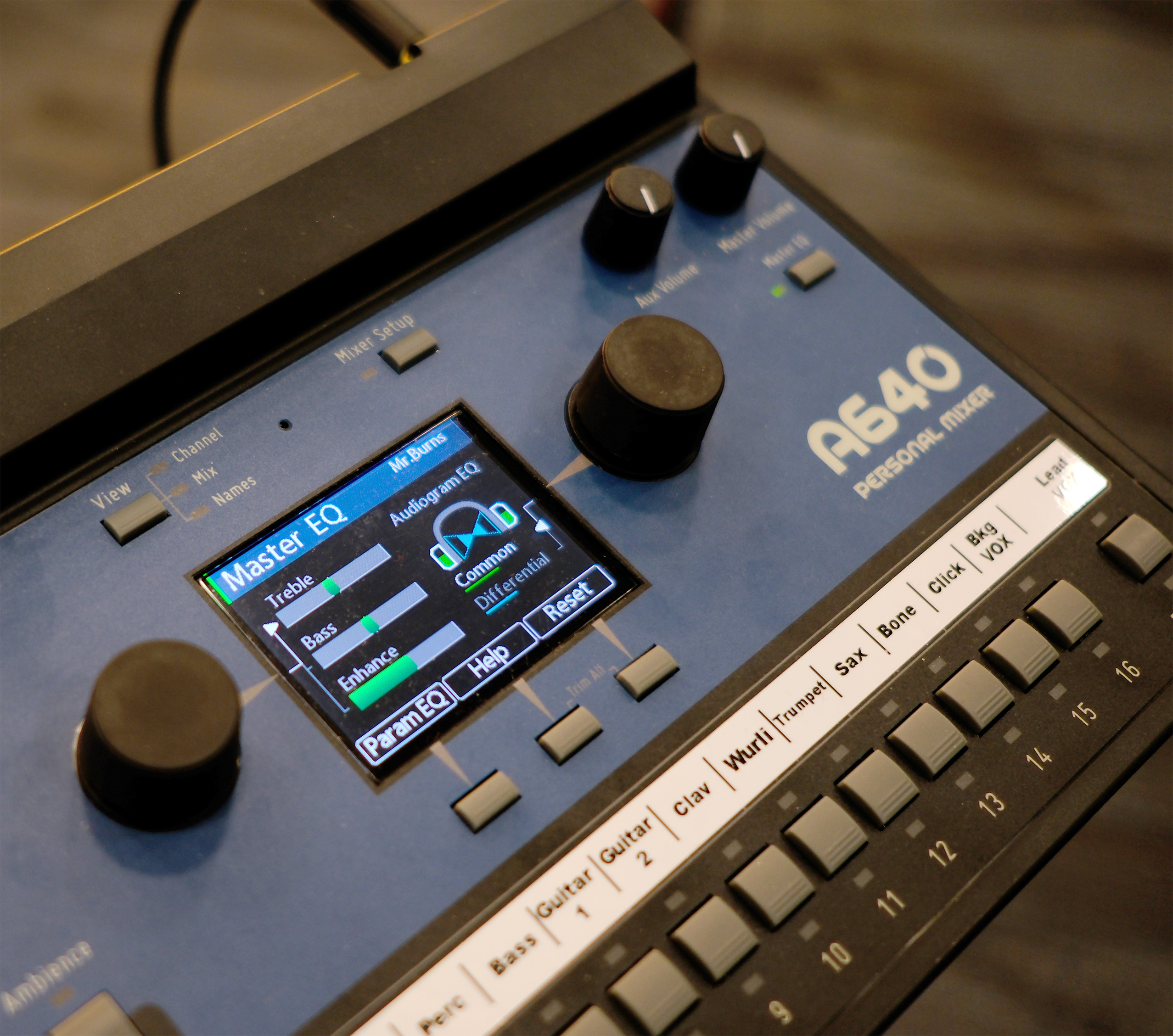
The A640's innovative Audiogram EQ can be used to address an individual performer's hearing loss by automatically creating a custom set of corrective DSP filters based directly on the results of their standard hearing test. Two intuitive controls allow the user to adjust their correction in a natural way.
Connect to Wireless In-Ear Systems
Designed from top to bottom with in-ear monitors in mind, the A640 gives musicians the controls they need to make their in-ears sound better than ever. To work with wireless in-ear systems that connect via Dante networking or analog, learn more about the Network Mix Back feature.
Make it sound great
The EQ curves for the master tone controls on the A640 were designed specifically for the sonic characteristics of in-ear monitors. The A640's master Bass, Treble, and Enhance™ controls will make your in-ear monitors sound fantastic no matter what kind of music you play.
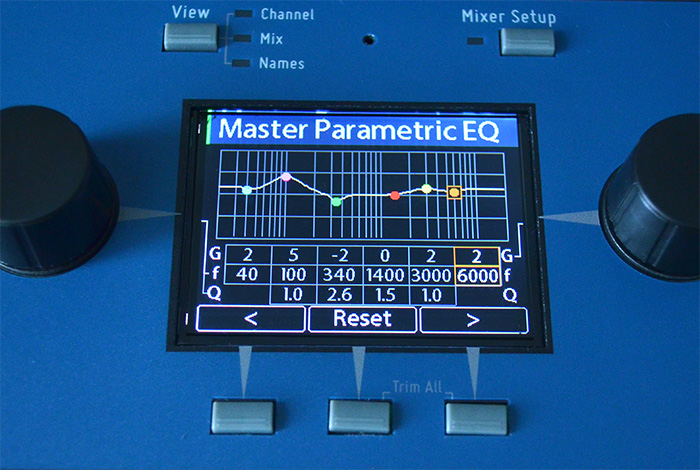
The Master EQ also includes a 6-band fully parametric EQ to help you fine tune your mix.
Add space to your ears
The A640's per-channel reverb control lets you easily restore some of the spaciousness your ears naturally expect.
With high-resolution panning for mono channels and variable pan control for stereo channels, every source can be positioned precisely in the mix's stereo field, reducing musicians' sense of isolation and improving the clarity of the entire mix.
Connect, Transport & Complete Your Rig
Streamline communication on stage, take custom mix configurations anywhere, or grab a complete ready-to-use monitor bundle.
Connect with other performers
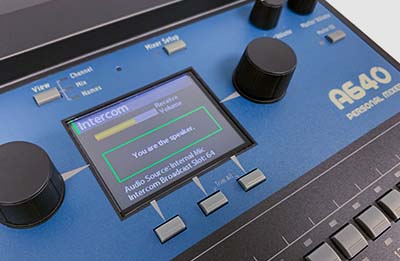
When you need to communicate with other A640 users, the Intercom feature is the perfect tool. With the press of a button a musical director can make song changes, direct performers, etc., all without the audience hearing it (requires the D800 A-Net Distributor with latest firmware).
You can use the A640's internal mic or one that is connected to the Aviom A-Net network. And each performer has control over the Intercom audio's level as part of their personal mix.
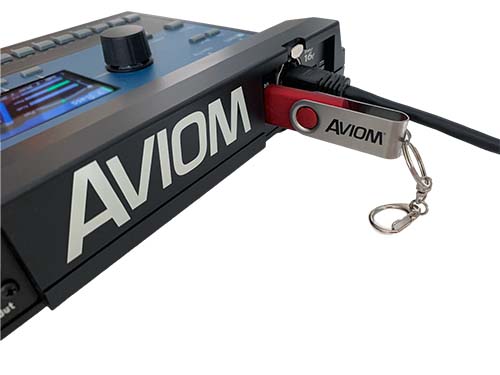
Take your mix with you
Save everything about your A640 Personal Mixer—mix settings, presets, channel assignments, names, Audiogram EQ setup—to a USB flash drive for backup or transferring settings to another unit.
It's never been easier for multiple ensembles to share personal mixers, to recall cue mixes for a recording session, or for those on tour to be sure their mix settings are preserved from show to show, even if you're using rental gear.
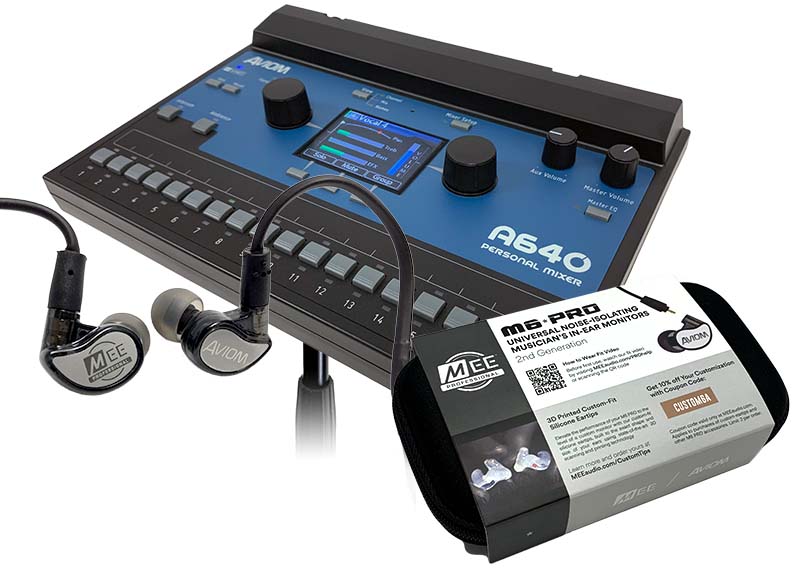
Need In-Ears? Get the Bundle!
The A640 Personal Mixer is also available in a bundle with a set of MEE Audio M6 Pro IEMs.
These great sounding single-driver earbuds feature a detachable, replaceable cord and come with an assortment of flexible ear tips that reduce outside noise and allow you to easily find the most comfortable fit for your ears. Each set also includes custom-engraved metal faceplates and a protective case.
(Available only in the USA)
Feel Your Mix & System Compatibility
Add physical bass impact to your monitor setup and effortlessly integrate with current and legacy Aviom hardware.
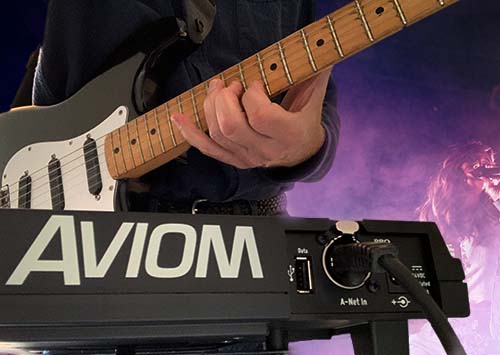
Feel your mix
Send any combination of channels from your mix to the Mono Mix Out using the dedicated Aux Volume control and XLR connector.
Use the Aux Mix to add a tactile transducer (bass shaker) to your stage setup. Musicians can once again experience the tactile feedback they're used to when using a wedge monitor or guitar/bass speaker cabinet while still enjoying the clarity and convenience of in-ear monitors. Aviom makes it easy with the BOOM System.
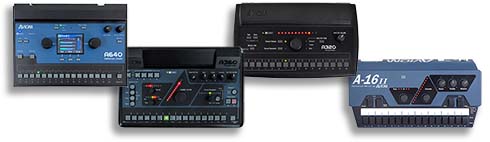
Compatibility
The A640 Personal Mixer is forward and backward compatible with most current and legacy Aviom Pro16 and Pro16e A-Net devices. This includes:
- AN-16/i v.2 Input Module
- Y1 Card for Yamaha MY devices
- A-Net Console cards from Aviom's development partners
- D400 & D400-Dante A-Net Distributors
- D800 & D800-Dante A-Net Distributors (original and v.2)
Legacy Devices:
- AN-16/i Input Module
- AN-16/i-M Mic Input Module
- A-16D A-Net Distributor
- A-16D Pro A-Net Distributor
The A640 may also be used in the same system with the A320, and legacy A360 and A-16II Personal Mixers.
Product Resources
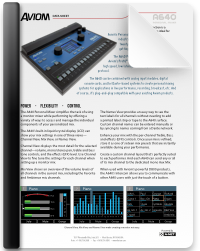
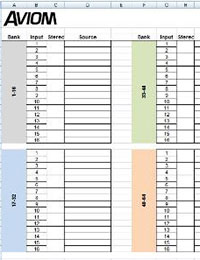
Access data sheets, user guides, quick start instructions, and layout templates for the Aviom A640 Personal Mixer.
Technical Specifications
Comprehensive audio, power, physical, and network specifications for the Aviom A640 Personal Mixer.
| Audio Output |
1/4" TRS stereo, headphone or line level; 1/8" TRS stereo, headphone or line level; XLR balanced mono, line level |
|---|---|
| Stereo Mix Outputs, Headphone/Line | Tip: Audio Left; Ring: Audio Right; Sleeve: Ground |
| Mono Mix Output | Pin 2: Hot, Pin 3: Cold; Pin 1: Ground |
| A-Net |
1 A-Net In, locking RJ45 connector; Supports Power Over A-Net |
| D/A Conversion | 44.1/48kHz, 24-bit |
| Stereo Operation |
Stereo Link, per mixer channel and A-Net channel pair Set at the input device; Variable pan per mono channel or pan/spread per stereo channel pair |
| USB Storage |
Save/load mix configuration data and mixer presets; Firmware updates Requires USB compliant mass storage device, formatted for PC |
| Headphone Output | 1.0 watt at 100 ohms (Line/Headphone output) |
| Output Impedance | 32 ohms |
| Frequency Response | 2–22kHz +0.2dB/-3dB |
| THD+N | < 0.003% |
| Signal to Noise (unweighted) | -106dB (measured with zero data into all channels) |
| Latency | < 0.680 msec (measured from analog input to analog output) |
| A-Net Cables |
Use unshielded Cat-5e UTP (or better) cable; Maximum 400 ft (122 m) between devices |
|
Power Supply Input Voltage Plug Size |
Optional 24 VDC, 0.5 amp 2 mm |
| Dimensions |
10.76 in. (273.3mm) wide x 7.6 in. (193.04mm) deep; 2.212 in. (56.18mm) high |
| Weight | 2 lb (0.907 kg); packaged weight 3 lb. (1.36 kg) |
| Options |
MT-1a Mic Stand Mount (uses 6-32 1/4-inch screws) EB-1 Extension Bracket PS-120/PS-240 Power Supply |
Product Images
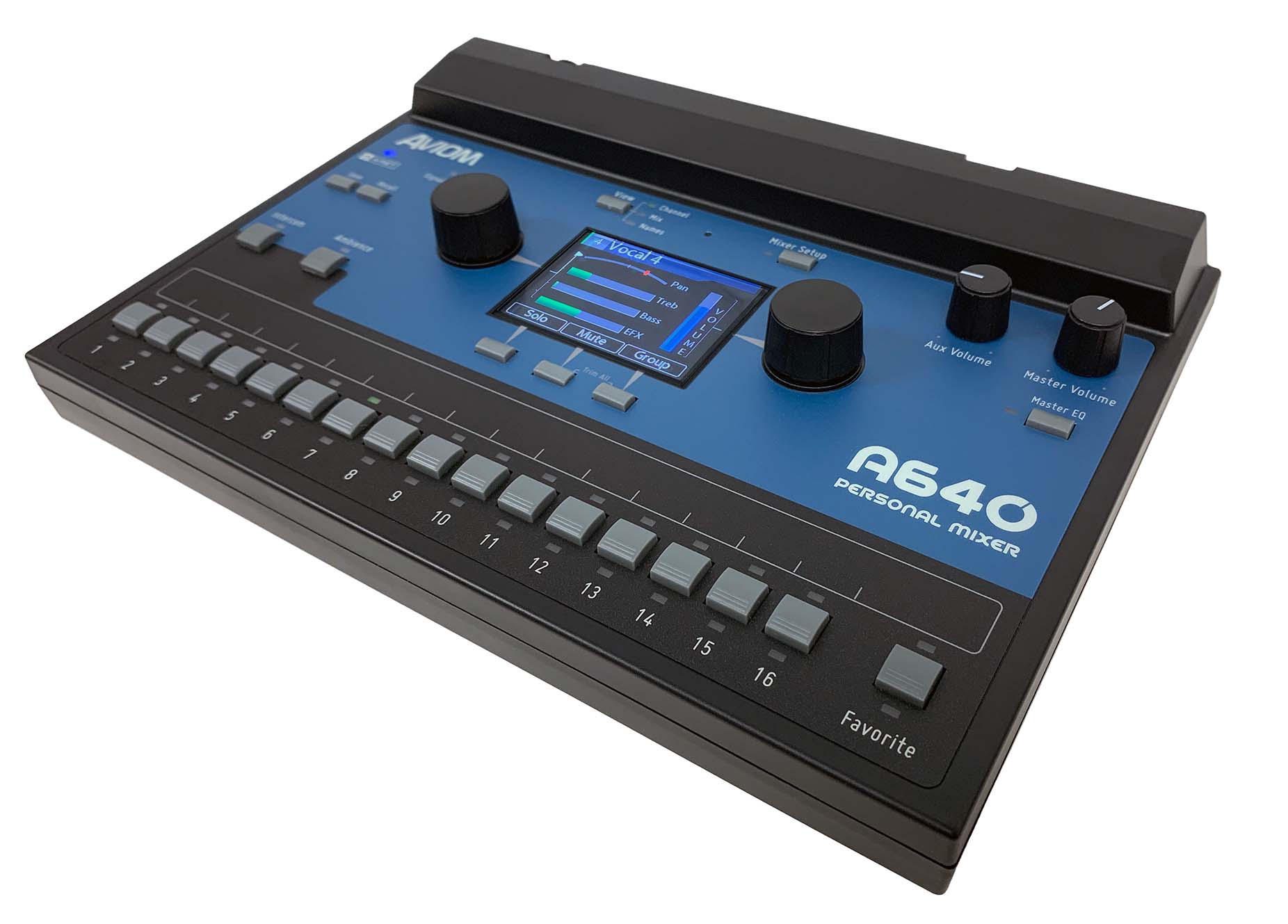
High-resolution front, perspective, and rear panel views of the Aviom A640 Personal Mixer. Click any image to view full screen.